
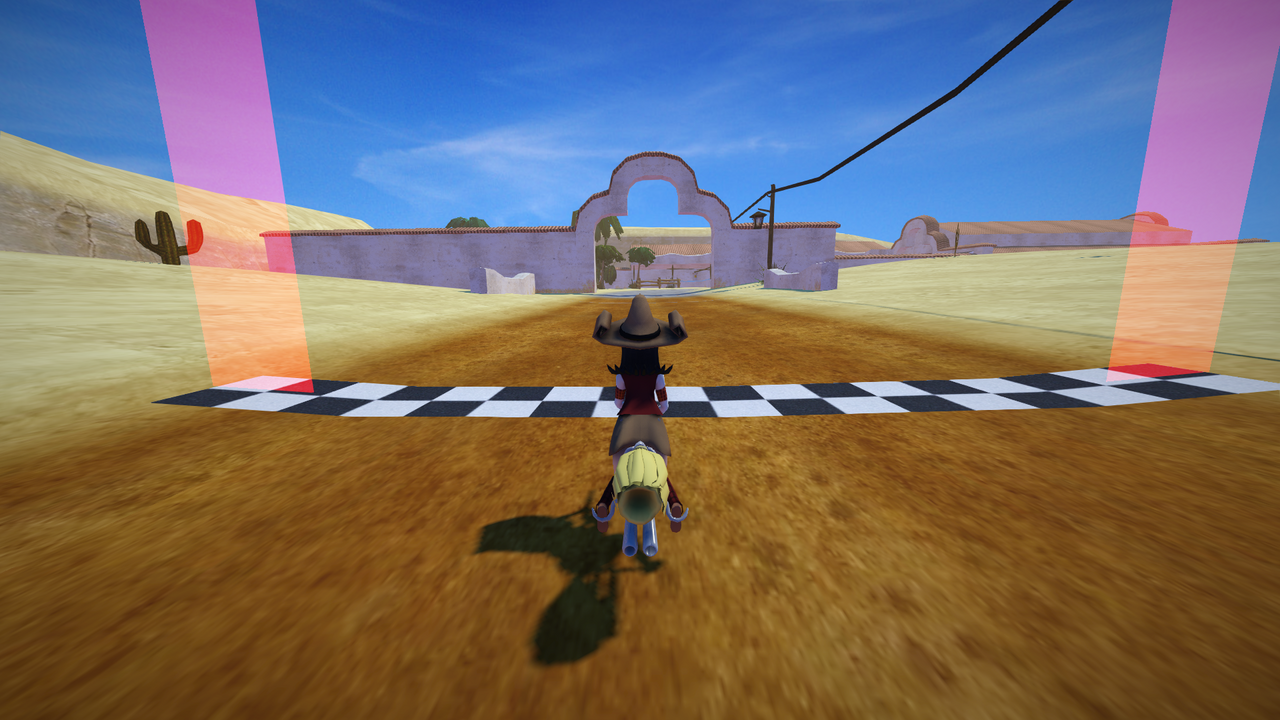
Your distribution almost certainly packages SuperTuxKart, and for playing that’s the easy route. But if you want to try the development version, test a fix, or just see how a mid-sized C++ game fits together, building it yourself takes about twenty minutes. Here’s how I do it on Debian and Ubuntu; other distributions need the equivalent packages.
The project’s own
INSTALL.mdis the authority here. Dependencies change between releases, so check it if anything below fails.
1. Install the build tools and libraries
SuperTuxKart needs a C++ compiler, CMake, and a set of libraries for graphics, audio, networking and fonts:
sudo apt install build-essential cmake git subversion pkg-config \
  libbluetooth-dev libsdl2-dev libcurl4-openssl-dev libenet-dev \
  libfreetype6-dev libharfbuzz-dev libjpeg-dev libogg-dev libopenal-dev \
  libpng-dev libssl-dev libvorbis-dev zlib1g-dev
2. Get the code and the assets
The code and the game’s assets (karts, tracks, music) live in separate repositories, and the build expects them side by side:
mkdir stk && cd stk
git clone https://github.com/supertuxkart/stk-code stk-code
svn co https://svn.code.sf.net/p/supertuxkart/code/stk-assets stk-assets
The assets checkout is large. Start it, and make a cup of tea.
3. Configure and build
From inside stk-code, create a build directory and let CMake configure the project:
cd stk-code
mkdir cmake_build && cd cmake_build
cmake .. -DBUILD_RECORDER=off
make -j"$(nproc)"
-DBUILD_RECORDER=off skips the optional in-game video recorder, which needs a library few distributions package. On a recent laptop the build takes a few minutes.
4. Run it
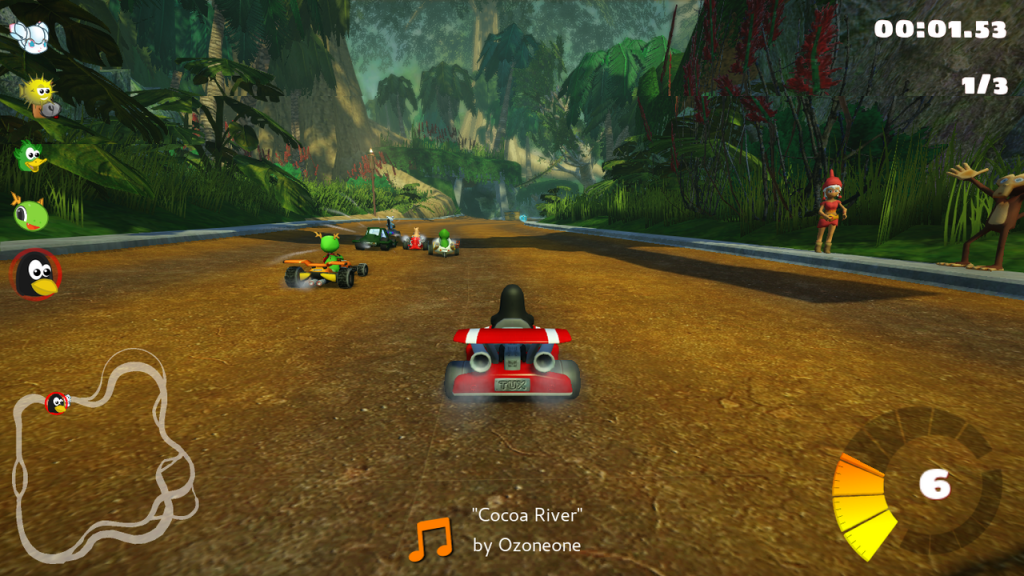
./bin/supertuxkartYou don’t need to install it: the binary finds the assets next to the code. If the game starts and the menu music plays, you’re done.
Where next
- Read
CONTRIBUTING.mdin the repository before you open a pull request. - The issue tracker has labels for good first issues.
- Track and kart creation is done in Blender; the project’s wiki explains the export pipeline.
Building a game from source is less about the game than about getting comfortable reading someone else’s project. Once you’ve done it once, the next one is easier.




Leave a Reply