
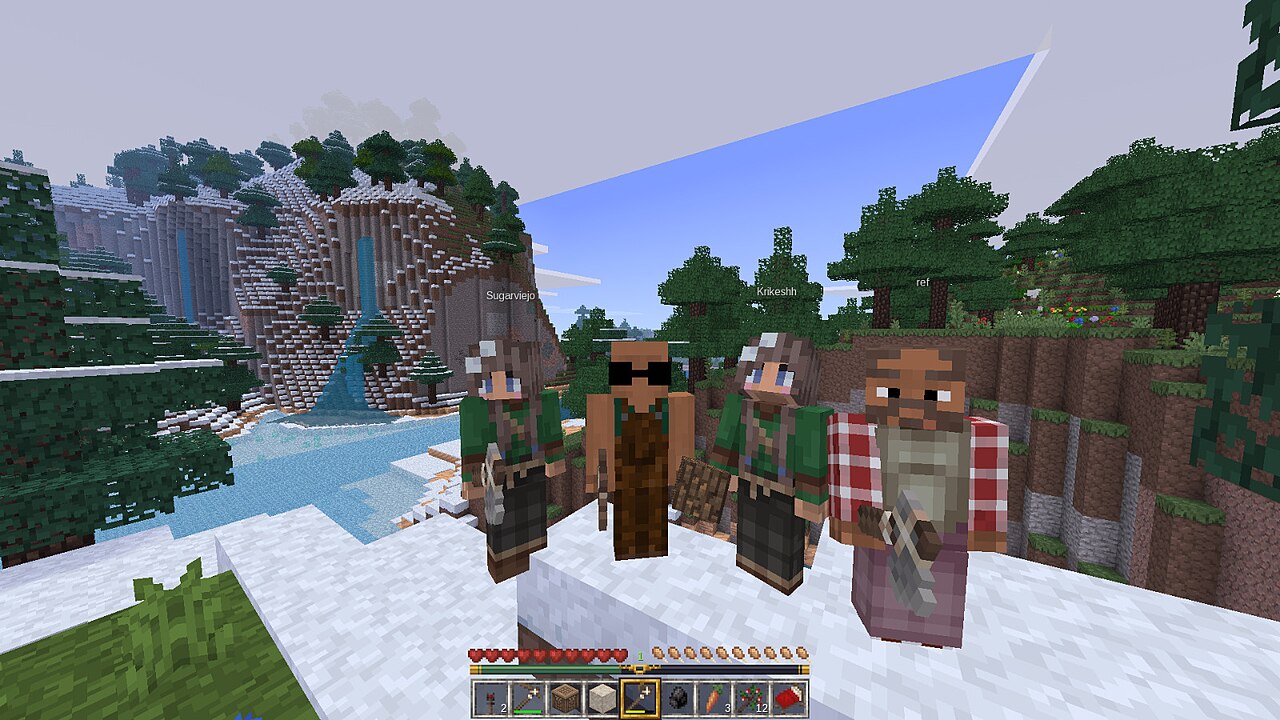
If you last looked at Minetest a few years ago, two things have changed. The project is now called Luanti, a name chosen to make clear that it’s an engine for many games, not a single Minecraft-like one. And when you install it, it no longer comes with a default game: on first launch you choose what to play. Both changes confuse newcomers, so here’s a quick tour.
Install it
Luanti is packaged by most Linux distributions and on Flathub, and there are builds for Windows, macOS and Android on the project’s website. It runs well on modest hardware.
Choose a game
Open the Content tab and browse ContentDB, Luanti’s built-in library of games, mods and texture packs. A few good starting points:
- VoxeLibre and Mineclonia are survival sandboxes in the familiar block-building style, with mobs, crafting, farming and redstone-like circuits.
- NodeCore is a strange and wonderful puzzle-survival game with no crafting grid: you discover recipes by experimenting in the world.
- Exile is a harsh survival game about staying alive in a hostile, primitive land.
Install one, then pick it from the row of icons at the bottom of the main menu and create a world.
Play with friends
Any world can be hosted for friends on your local network from the main menu. There’s also a public server list with hundreds of servers, from creative building to minigames and role-play. Each server picks its own game and mods, which your client downloads as you join.
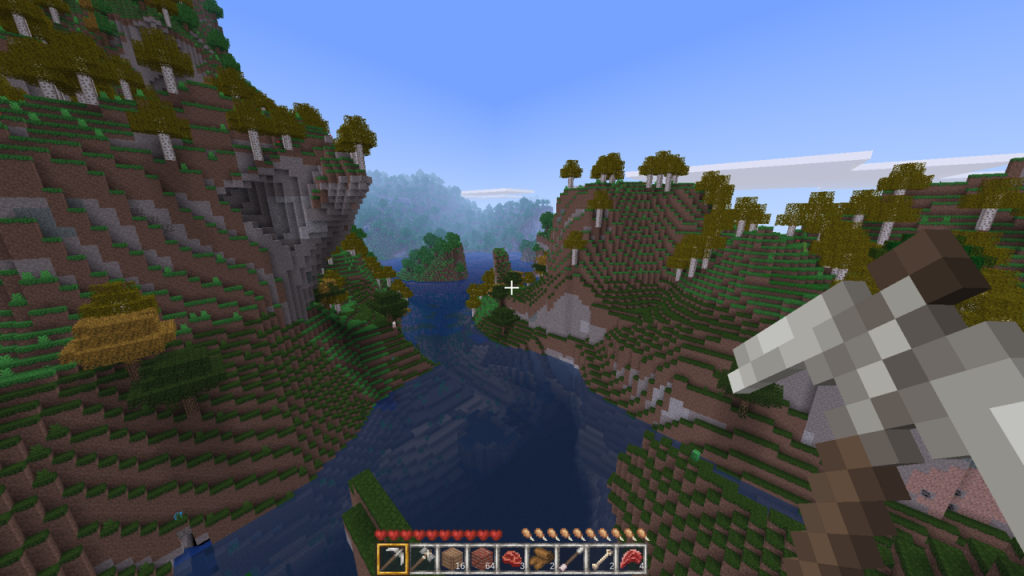
Make something
This is where Luanti shines. Games and mods are written in Lua against a well-documented API, and a mod can be as small as a single file. A ten-line mod that adds a new block is a fine first project; the official documentation’s modding book walks you through it. Many of the games above began as somebody’s small mod.
Luanti’s engine is LGPL, and most of its games are GPL or MIT with Creative Commons assets. Fork away.




Leave a Reply